Everything Copy History + can do
A clipboard manager, a text expander and a sync tool in one Chrome extension. Free for everyday use, PRO when you need more.
Clipboard history
A clipboard history extension for Chrome: everything you copy is saved automatically. Search it, mark favorites, add tags, group by date or site and paste it again.
Learn moreText shortcuts
Type #addr and get your full address. Copy History + is a text expander extension for Chrome: turn any saved text into a shortcut for emails, forms and chats. 5 free, unlimited with PRO.
Learn morePaste into any field
A Chrome extension to insert favorite or recent clipboard items into any field from the right-click menu or with keyboard shortcuts. Fill forms and answer messages without switching tabs.
Learn more- PRO
Encrypted cloud sync
Your clipboard history on all your computers and browsers, encrypted on your device with your own key. No more manual backups. A PRO feature of the Copy History + extension.
Learn more Keep formatting & links
The Copy History + Chrome extension saves copied text with basic formatting and links, so it pastes back exactly as it was. Free for the 5 latest items, PRO for all of them.
Learn moreSend to your phone
A Chrome extension to send any selected text or clipboard item to your phone in one click through Telegram. Links, notes, addresses: right where you need them.
Learn moreBackup, import & export
Move to this Chrome extension from another clipboard manager in minutes: import JSON, CSV or TXT. Back up your history and export it to CSV for Excel and Google Sheets.
Learn moreCustomizable list
Choose the columns, the buttons, compact rows and the time format of your clipboard history extension. With PRO: up to 10 lines of text per item and a bigger font.
Learn morePop-up, side panel & floating window
Open the clipboard history of the extension the way you work: a quick pop-up, the Chrome side panel next to the page, or a floating window anywhere on the screen (PRO).
Learn more
All features at a glance
Clipboard history
Everything you copy is saved automatically. Search, favorite and organize it, and never lose a copied text again.
Paste into any field
Put the cursor in any editable field and insert your favorite or recent items from the context menu or with a hotkey.
Text shortcuts (snippets)
Type
#bcmand get “The Best Clipboard Manager”. Text expansion for emails, forms and messages. Unlimited with PRO.Your list, your way
Choose the columns, the buttons in a row, compact or normal rows and the time format. Standard and Text only presets in one click.
- PRO
More lines & bigger text
Show up to 10 lines of text per item, keep the line breaks and pick a small, normal or large font.
Keyboard shortcuts
Set your own hotkeys for every action at
chrome://extensions/shortcuts.- PRO
Encrypted cloud sync
Your history on all your computers and browsers, encrypted on your device with your own key. No more manual backups.
- PRO
Keeps formatting & links
Copied text keeps its links and basic formatting, so it pastes back exactly as it was.
- PRO
Floating mode
Open your clipboard history in a separate floating window, available anywhere on the screen.
- PRO
Tags in the context menu
Organize items with tags and paste them by tag right from the right-click menu.
Send to your phone
Send any text from the browser to your phone through Telegram in one click.
Backup & restore
Keep your clipboard history safe with backups and restore it any time.
Import from other managers
Switching from another clipboard manager? Bring your saved items with you.
You choose where it works
Collect clipboard history on your PC or on web pages only, on all sites or only the ones you select.
Export to spreadsheets
Turn collected items into structured data for Excel and Google Sheets.
Ready to stop losing what you copy?
Install the extension in a few seconds. It's free, no account needed.
More free extensions from PiDevEx
Small tools that make the browser work for you.
ShortcutAI
Fix, rewrite or translate any text right where you type with //commands and your own AI prompts.
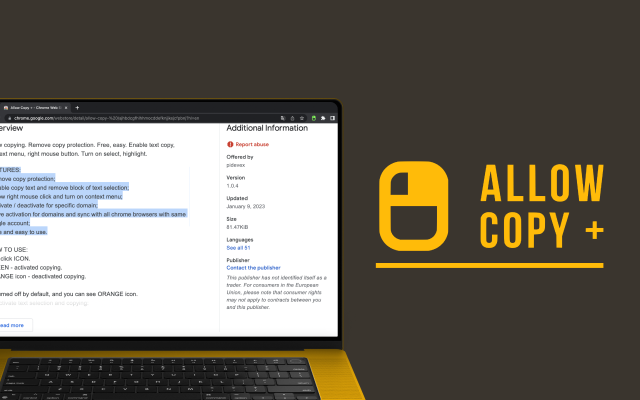
Allow Copy +
Your best helper to copy text from protected websites.
Text From PRO
Text recognizer: get and copy text from images, videos and anywhere in your browser.

Test Bro
AI assistant that helps you with online tests and exams.
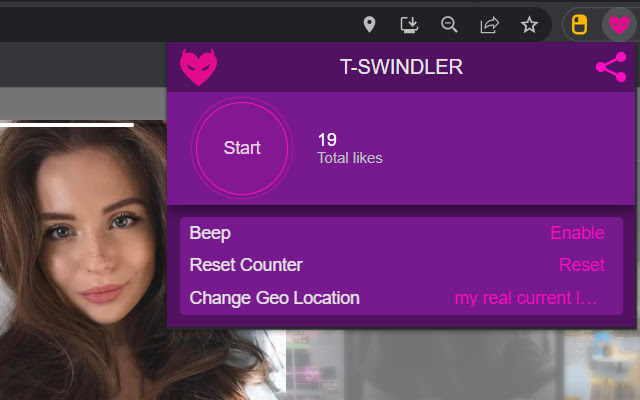
T-Swindler
Extra tools for Tinder in the browser.