The clipboard manager extension that remembers everything you copy
Copy History + saves your clipboard history in Chrome with links and formatting. Find any copied text in seconds, paste it into any field, expand text snippets and sync it all between your devices, encrypted.
- Free plan forever
- Unlimited local storage
- Your data stays on your device
Copy. Find. Paste.
No new habits to learn: keep copying as you always do, Copy History + remembers the rest.
- 1
Copy as usual
Ctrl+C anywhere in the browser. Every copied text is saved to your history automatically, with its links and formatting.
- 2
Find it in seconds
Search, favorites and tags bring back anything you copied: yesterday, last week or months ago.
- 3
Paste anywhere
Insert items into any field from the context menu, with your hotkeys or with text shortcuts like #bcm.
Everything you need from a clipboard manager
Powerful clipboard management for free, and PRO tools when you need more.
Clipboard history
Everything you copy is saved automatically. Search, favorite and organize it, and never lose a copied text again.
Paste into any field
Put the cursor in any editable field and insert your favorite or recent items from the context menu or with a hotkey.
Text shortcuts (snippets)
Type
#bcmand get “The Best Clipboard Manager”. Text expansion for emails, forms and messages. Unlimited with PRO.Your list, your way
Choose the columns, the buttons in a row, compact or normal rows and the time format. Standard and Text only presets in one click.
- PRO
More lines & bigger text
Show up to 10 lines of text per item, keep the line breaks and pick a small, normal or large font.
Keyboard shortcuts
Set your own hotkeys for every action at
chrome://extensions/shortcuts.- PRO
Encrypted cloud sync
Your history on all your computers and browsers, encrypted on your device with your own key. No more manual backups.
- PRO
Keeps formatting & links
Copied text keeps its links and basic formatting, so it pastes back exactly as it was.
- PRO
Floating mode
Open your clipboard history in a separate floating window, available anywhere on the screen.
- PRO
Tags in the context menu
Organize items with tags and paste them by tag right from the right-click menu.
Send to your phone
Send any text from the browser to your phone through Telegram in one click.
Backup & restore
Keep your clipboard history safe with backups and restore it any time.
Import from other managers
Switching from another clipboard manager? Bring your saved items with you.
You choose where it works
Collect clipboard history on your PC or on web pages only, on all sites or only the ones you select.
Export to spreadsheets
Turn collected items into structured data for Excel and Google Sheets.
Make the list yours: see more, read easier
One line per item to see the most at a glance, or whole paragraphs in a bigger font to read without opening anything. Set it up with the ⚙ icon in the list header, it applies instantly.
- Columns: time, favorite, site, length, size
- Buttons in a row: open the source page, copy, send, delete
- Compact or normal rows, time ago or date and time
- Up to 10 lines of text per item, with line breaks PRO
- Small, normal or large font PRO
Your clipboard on every computer. Private by design.
Encrypted Cloud Sync keeps your clipboard history the same in all your browsers. Sync everything or only the items you choose.
Get PROEncrypted on your device with your own key before it is sent: no one but you can read your items, not even us.
Reinstall the extension or change your computer: enter your key and your history is back.
Works offline: changes wait on your device and sync when the connection is back.
- Turn it on with the ☁ icon in the extension header or in Settings → Cloud Sync.
Questions & answers
Ready to stop losing what you copy?
Install the extension in a few seconds. It's free, no account needed.
More free extensions from PiDevEx
Small tools that make the browser work for you.
ShortcutAI
Fix, rewrite or translate any text right where you type with //commands and your own AI prompts.
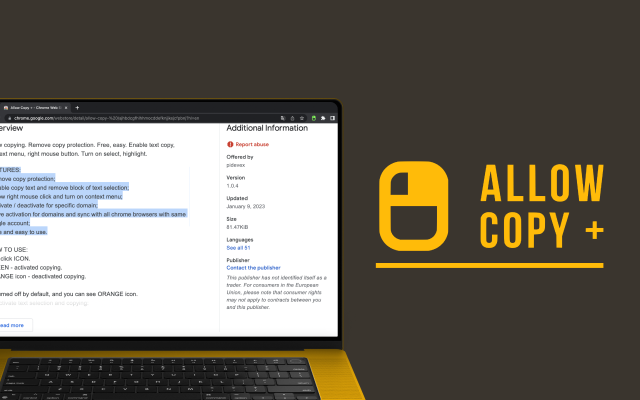
Allow Copy +
Your best helper to copy text from protected websites.
Text From PRO
Text recognizer: get and copy text from images, videos and anywhere in your browser.
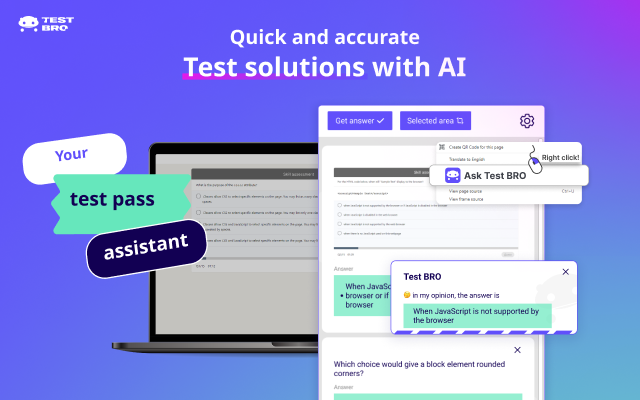
Test Bro
AI assistant that helps you with online tests and exams.
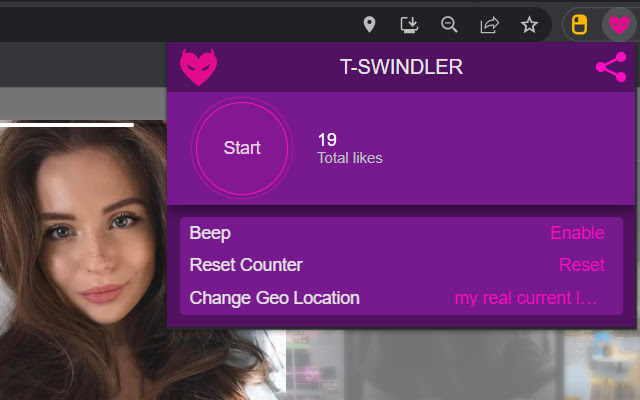
T-Swindler
Extra tools for Tinder in the browser.